

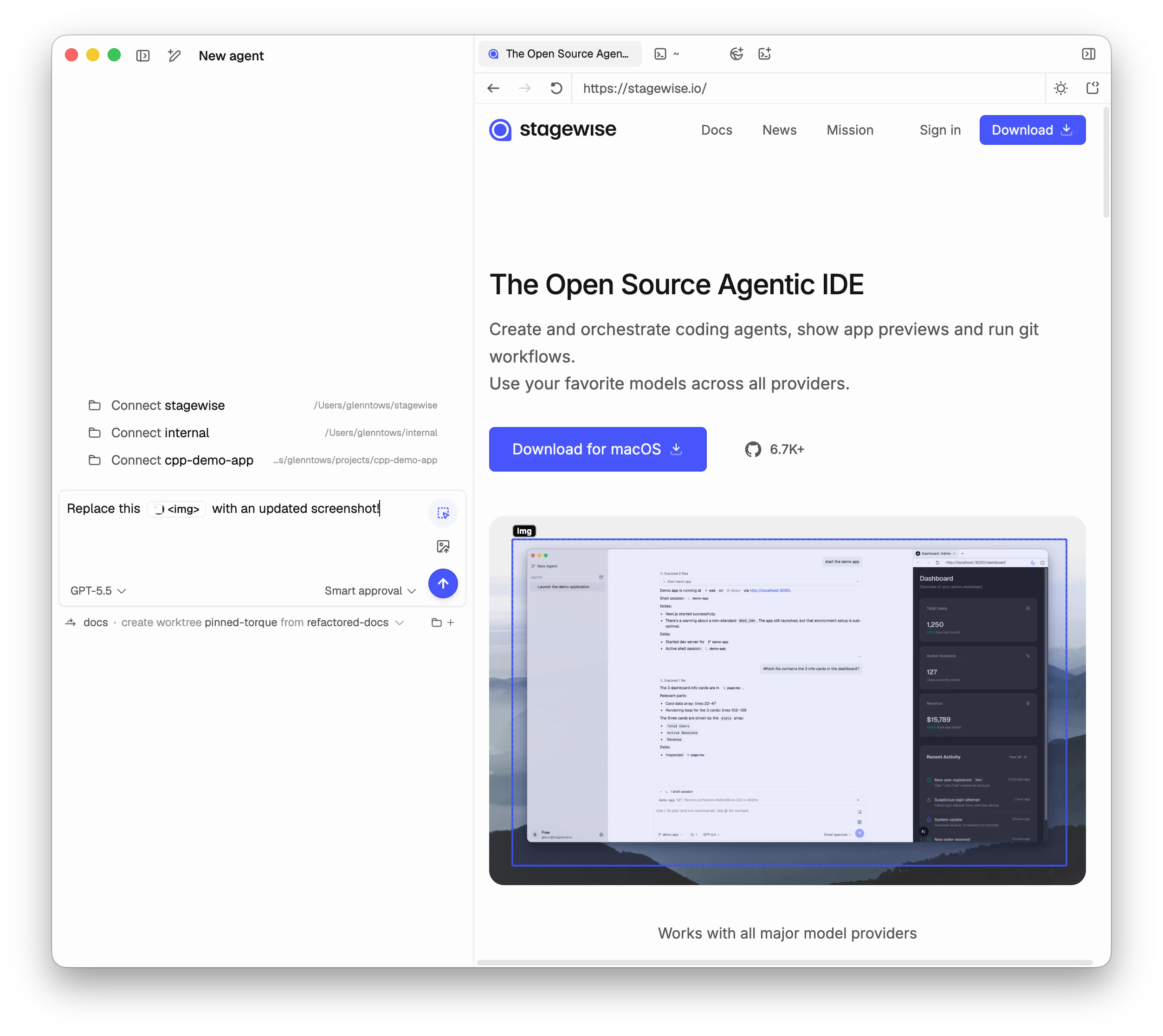
Using the selector
- Activate — Keyboard shortcut or toolbar button
- Hover — Elements highlight as you move
- Click — Select the element. Select multiple before sending
- Send — Selected elements appear as attachments
What the agent receives
When you select a DOM element, the agent gets:- HTML structure — Outer HTML and DOM position
- Computed styles — Key CSS properties
- Bounding box — Position and dimensions
- Selector path — A unique CSS selector
Tips
- Be specific — Select the most specific element. A button is better than the entire page.
- Combine with text — Pair selection with instructions: “Make this button larger and use the primary color.”
- Select multiple elements — Show the agent a pattern or request changes across components.
Keyboard shortcut
Full keyboard shortcuts →